Spam Filter Enterprise Screenshots

SpamFilter ISP and Spam Filter Enterprise will run and start blocking spam right out-of-the-box with their default settings. All you need to provide is the list of email domains you control, the SMTP server(s) where clean emails should be forwarded to, and the DNS server(s) to use for queries.

Spam Filter can be configured very easily, with dozens of filtering options to satisfy even the most unusual customer needs. Below we include some screenshots that show some of the filtering options and features that are available.
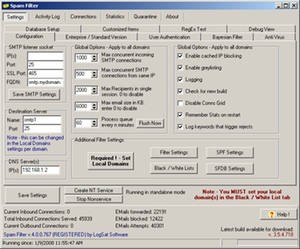
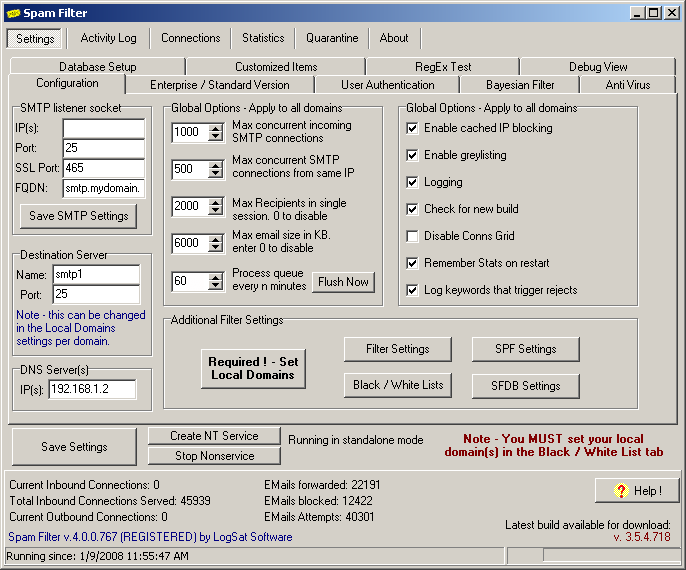
Global Configuration Settings

Global Configuration Settings

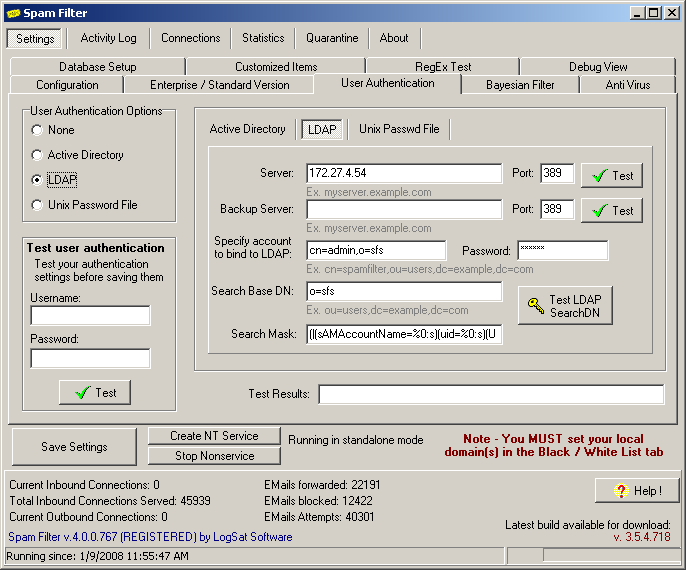
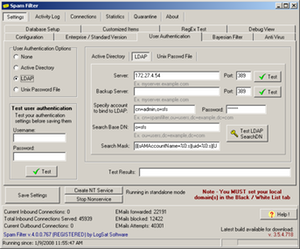
SMTP Authentication

SMTP Authentication

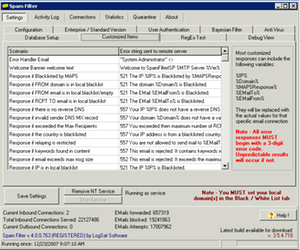
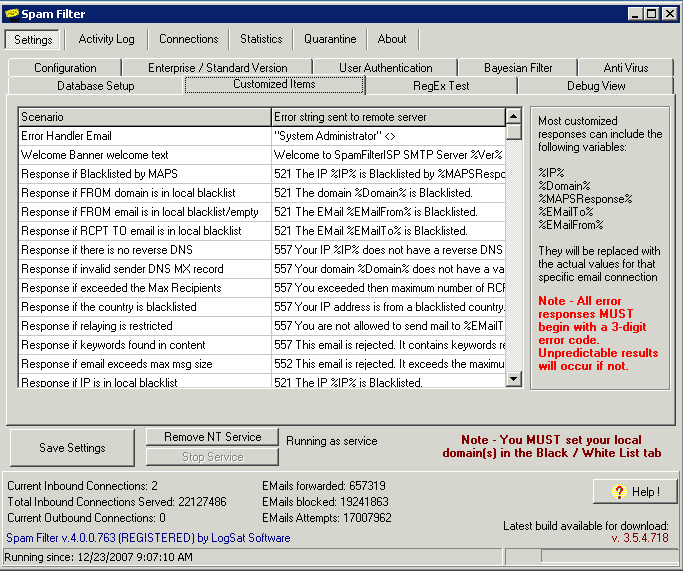
Customizable SMTP Error codes

Customizable SMTP Error codes

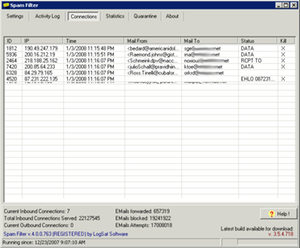
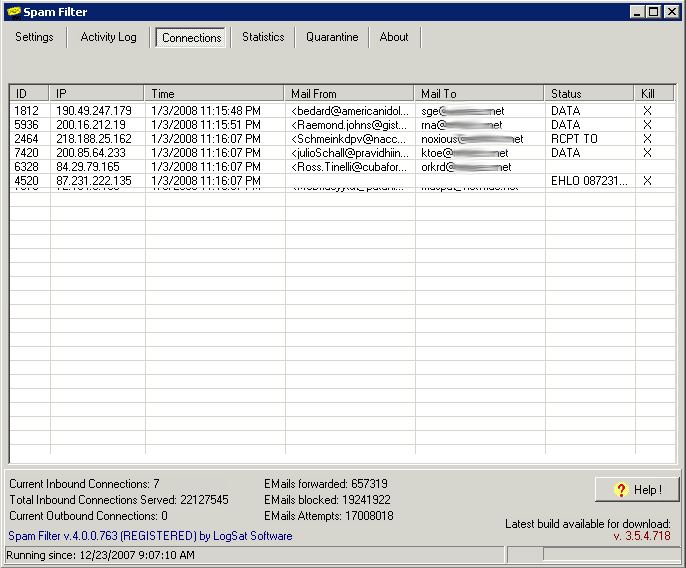
Real-time incoming connections display

Real-time incoming connections display

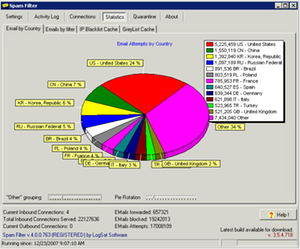
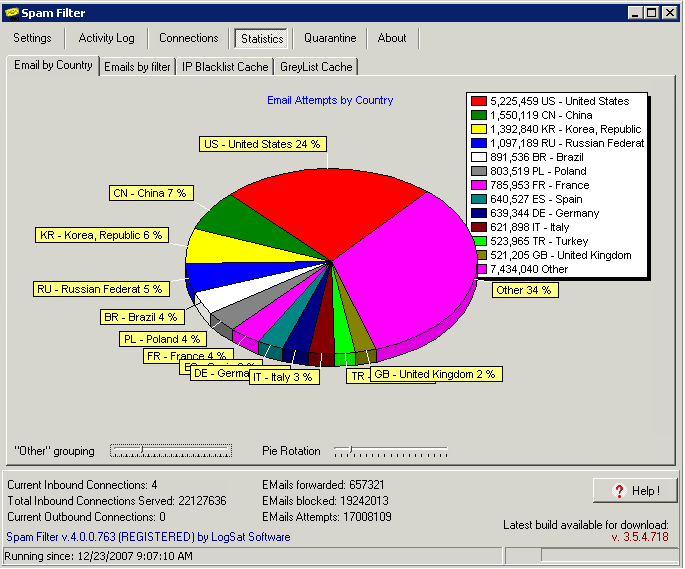
Stats with Emails by Countries

Stats with Emails by Countries

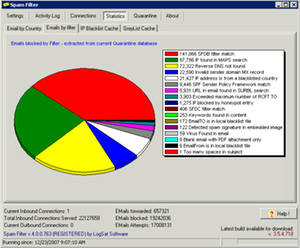
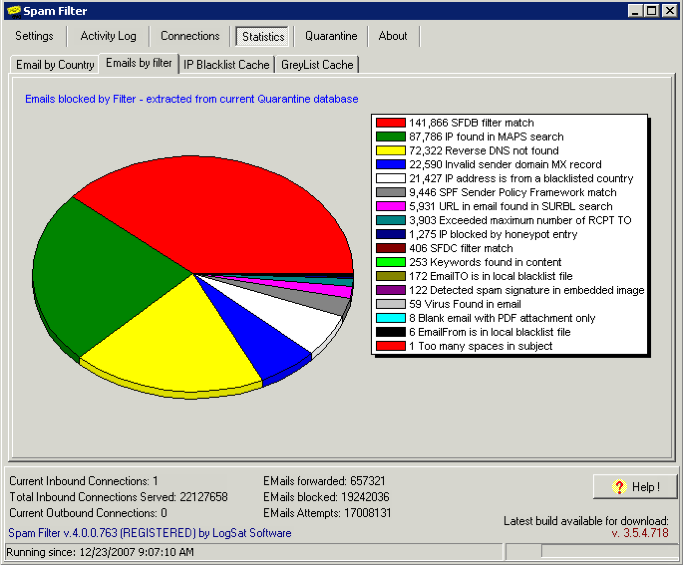
Stats for emails blocked by individual filters

Stats for emails blocked by individual filters

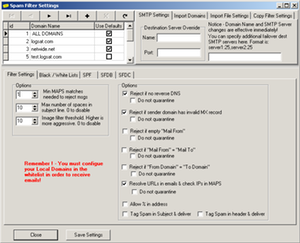
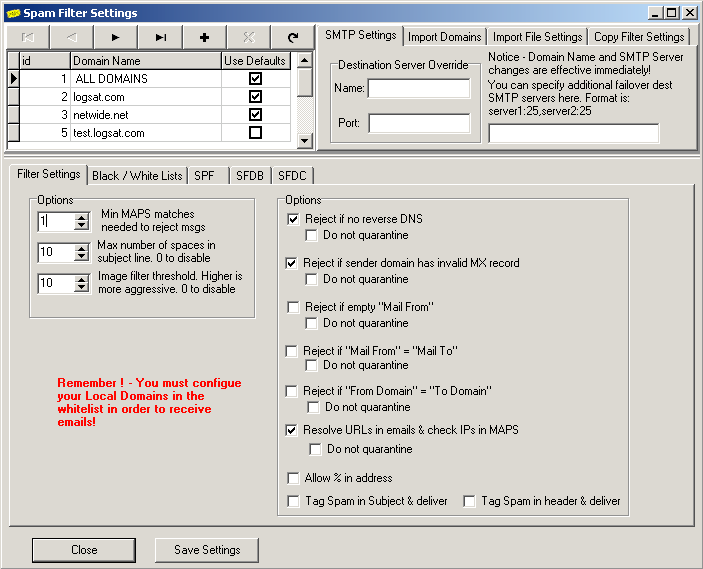
Filtering options that can be applied to individual domains

Filtering options that can be applied to individual domains

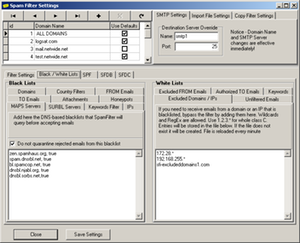
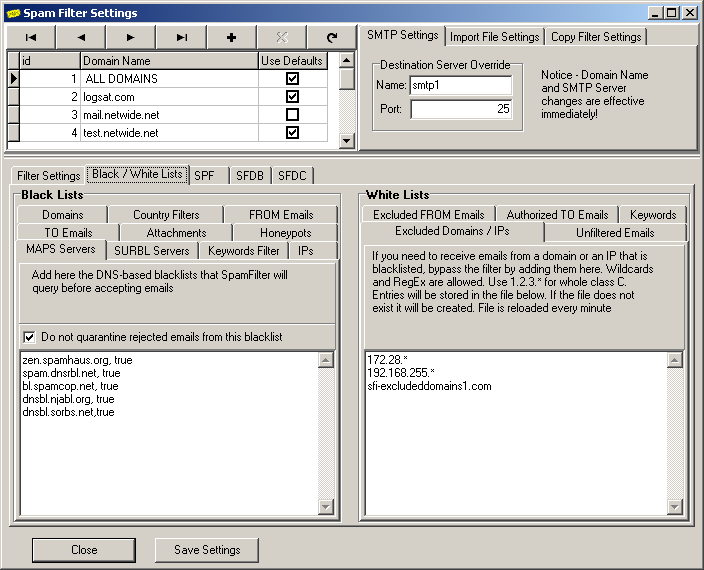
More filtering options that can be applied to individual domains

More filtering options that can be applied to individual domains

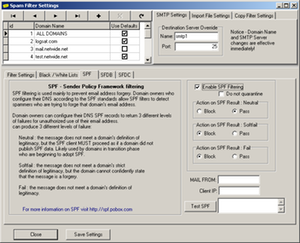
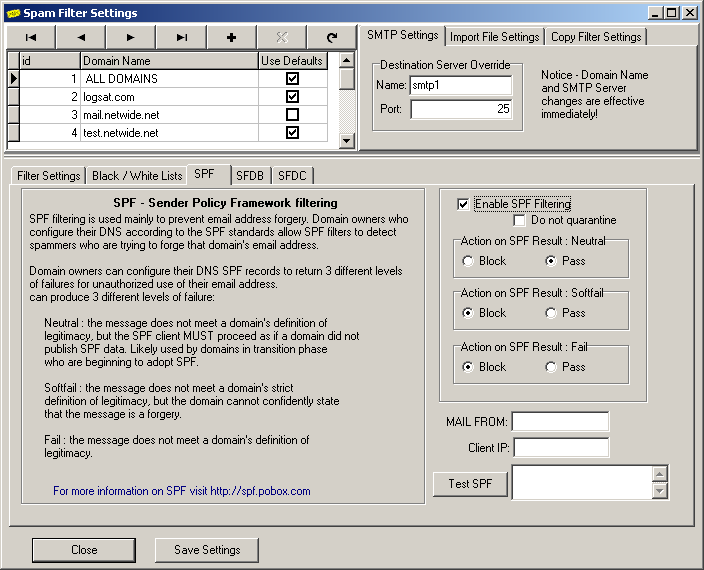
SPF Filter settings can be applied to individual domains

SPF Filter settings can be applied to individual domains

Spam Filter ISP - Copyright © 2002-2008 LogSat Software LLC - PO BOX 916340 Longwood, FL 32791 USA

 Sales: sales@LogSat.com - Support: support@LogSat.com - Tel. (sales only): +1 407-650-3008